


 |
| PRODUCTS |
|
|
 |
 |
| LATEST NEWS |
|
May 12, 2008
New PicturesToExe Deluxe 5.5 will be released within a month with new prices. Standard edition - $49, Deluxe edition - $75. Buy now PicturesToExe 5.5 with current prices. We provide lifetime free upgrades for PicturesToExe and 2 years of free upgrades for VideoBuilder (burning of DVD video discs in PicturesToExe Deluxe edition).
Try version 5.5 Beta right now.
December 17, 2007
PicturesToExe Deluxe 5.1 has been released. Click here to download. Read what's new in this version.
Example of slideshow created with new version 5.1 Paints of Summer (11 MB).
October 30, 2007
New PicturesToExe Deluxe 5.1 Beta is available for download. Click here to read what's new in version 5.1
October 2, 2007
Complete User Guide for PicturesToExe Deluxe 5.0 (By Lin Evans and Jeff Evans (Appendix G By Ray Waddington) (127 pages, PDF file, 7 MB)
June 20, 2007
Press release: WnSoft Announces PicturesToExe Deluxe 5.0
June 18, 2007 PicturesToExe Deluxe 5.0 has been released. Click here to download.
Key features of version 5.0
- New graphical engine which uses all power of your video card.
- Burning of DVD-Video disc with your slide shows right in PicturesToExe.
- Pan/Zoom/Rotate effects in real-time with high quality. Sharp picture and smooth animation. Special option “Perspective correction for Zoom” to reach natural looking zooming.
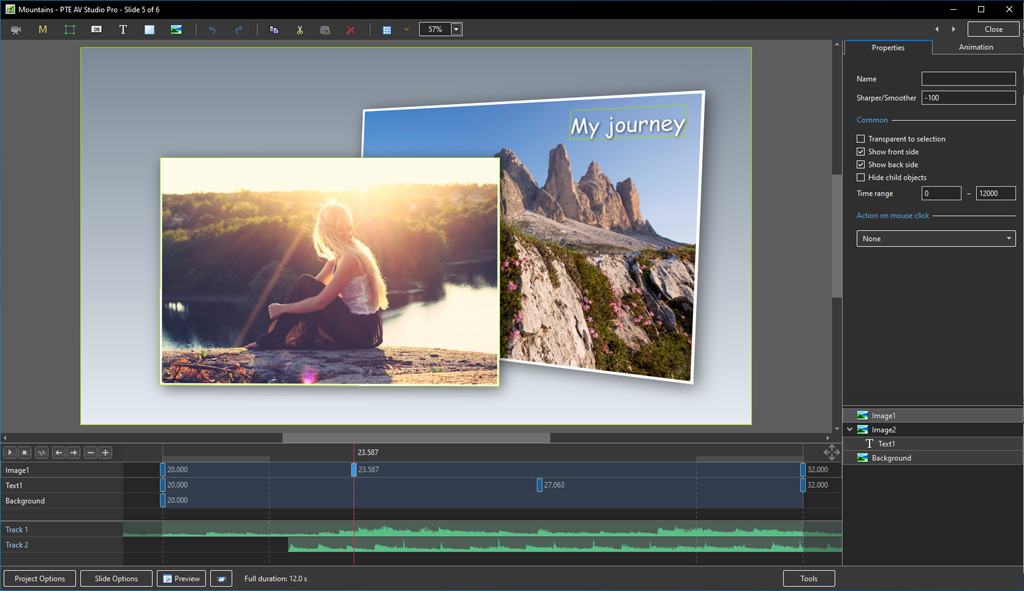
- Completely new editor of objects and animation. Proportionally scalable objects. Improved Text objects, drop shadow or glow can be applied for any object. Seven skins for Button objects.
- New cool view of Navigation bar.
- Tree of folders in main window of PicturesToExe.
- Improved quality of music player.
- Improved support of Windows Vista (in main program of PicturesToExe).
- PNG images support.
More news... |
 |
 |
| NEWSLETTER |
|
|
 |
|
PicturesToExe Deluxe 5.1
Easy-to-use slide show software
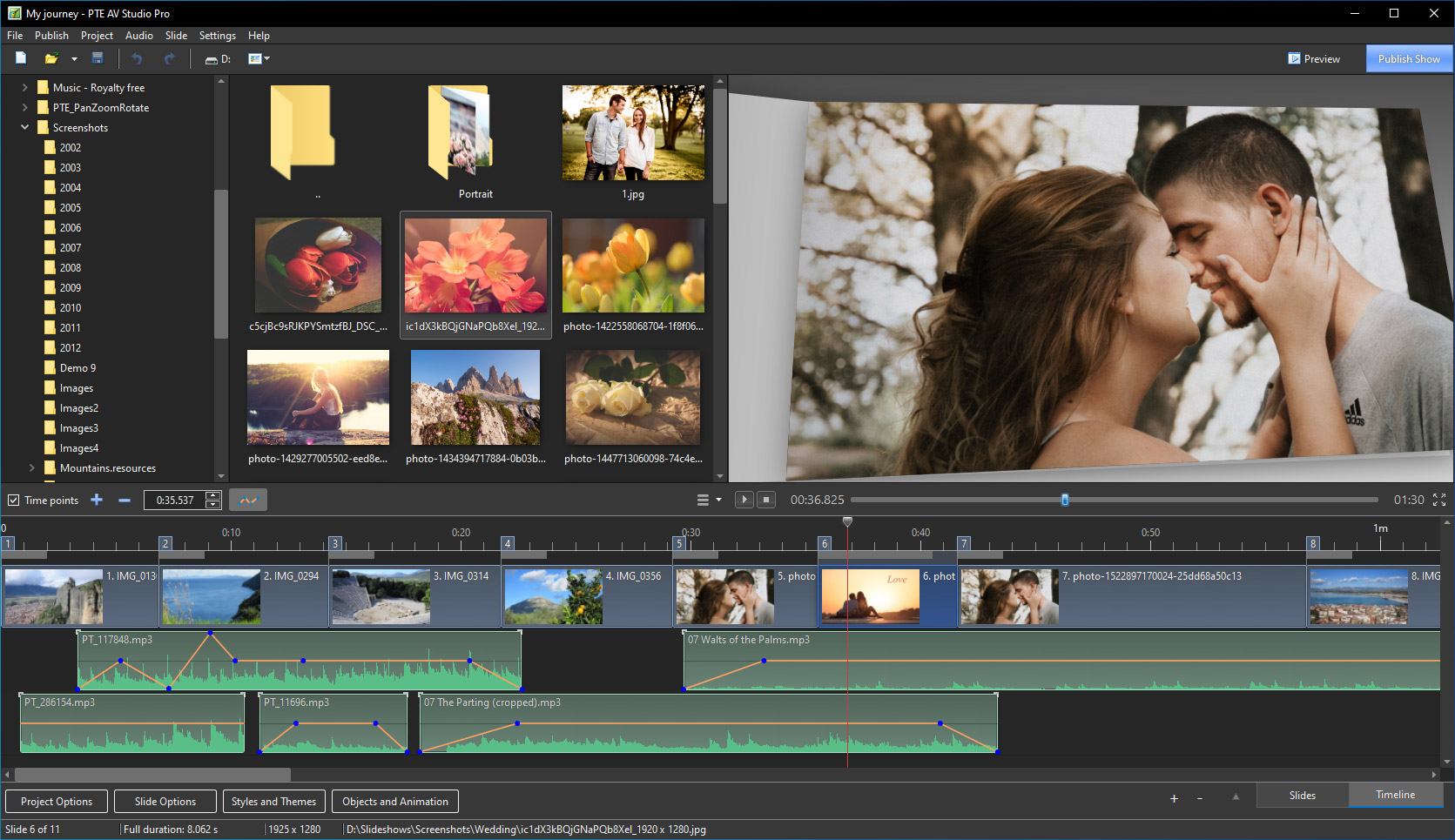
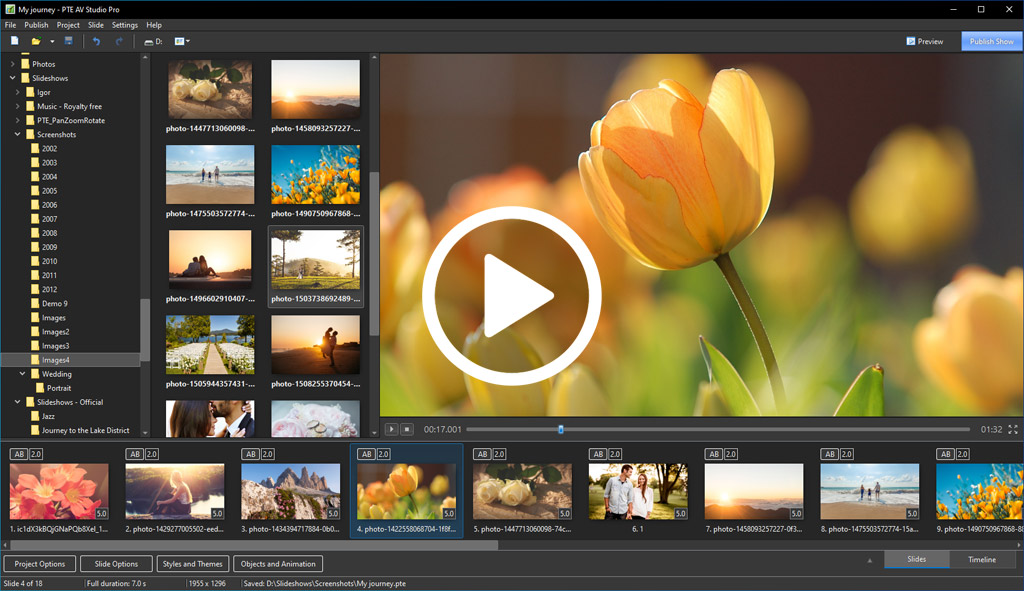
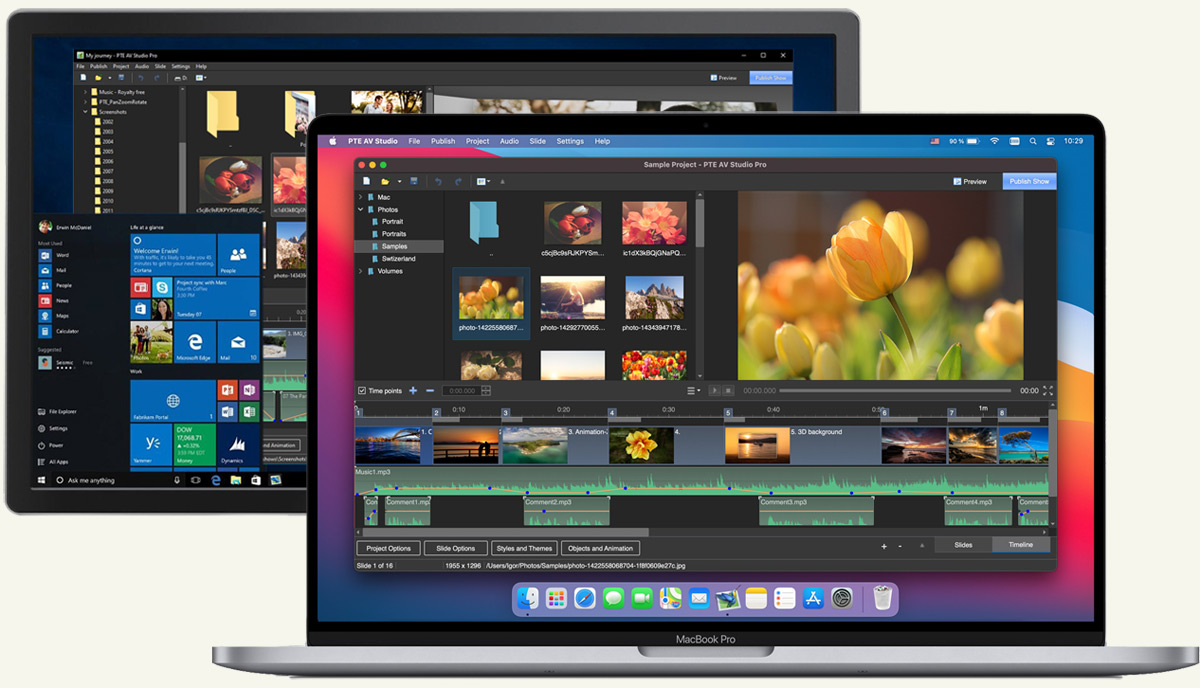
PicturesToExe Deluxe has a simple and intuitive interface that makes creating a slide show
very easy. All you need to do is choose your images and add some music if you wish.
The Slide show produces sharp, clear pictures and the smoothest playback of Pan/Zoom
effects you have ever seen! You can place objects (images or text labels with drop shadow)
on a slide and customize complex animations. Moreover, you can use a variety of cinematographic
transition effects between slides, add background music and add sound and text comments
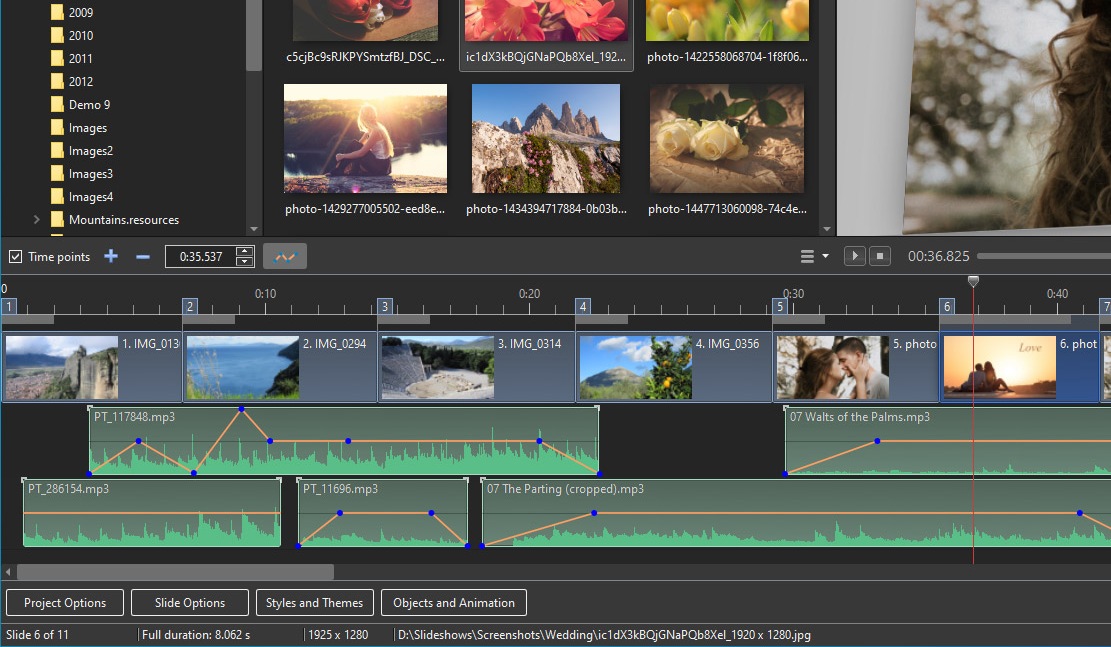
to each slide. You can also precisely synchronize slides to music. VideoBuilder in
PicturesToExe Deluxe allows you to quickly and easily burn DVD-Video discs from your slide
shows. You can adjust DVD menus and customize many parameters of your DVD disc. You may also
create AVI video files. If desired, you can protect your slide show with a password and
also assign an expiration date. No additional programs (including PicturesToExe itself) are
needed to run the resulting slide show because the program produces a stand-alone EXE file. The
slide show will work under Windows XP, Vista, 95, 98, ME, 2000 or 2003. A DVD-Video disc created
in PicturesToExe Deluxe can be played on any DVD player, on a PC or Mac, or on your DVD player
attached to a television.
|
PixBuilder Studio
version 1.35
Graphic software for photo editing
PixBuilder Studio is a powerful and easy-to-use program for photo editing, images creation and
manipulation. Containing instruments for photo editing such as: color management, color adjustment, image rotation and resizing,
and a large number of high quality effects, Pix Builder is an ideal instrument for digital photo editing.
A layers concept, multi-step undo, gradients and masks support makes PixBuilder a great graphic software for the photo editing and images creation.
Using a web-safe palette and a save with preview function, you can
easily create a web graphic in any of the most popular formats: .GIF, .JPG, .PNG. For other needs,
you can use a standard set of graphic software features: rotating, text layers operations, resizing, selection
management and more. A multi-language interface helps you to customize your copy of PixBuilder and work more
effectively.
|
|
WinNavigator
version 1.96
Powerful and easy-to-use files management
Powerful but easy-to use file manager - a good replacement for
Windows Explorer or Norton Commander. Besides usual file management (copy, move, delete etc), it contains
built-in viewer for 9 most-popular graphic formats, and 11 sound/music format, as well as video clips. In
addition, it supports compressed files like zip, arj, rar etc (showing them as regular folders), has the
SystemInfo panel, clipboard viewer, calculator, and Resource Explorer. As a bonus, the program contains two
simple games (Tetris-like one, and Life). There is also a multi-language support (now available: English,
Italian, Polish, Czech, Hungarian, Russian, Spanish, Lithuanian, German, French, Dutch, Romanian, Chinese).
|
|
|
 |